October 31, 2026
How AI Feedback Management Turns Customer Noise into Actionable Insight
By @theloopbackaifeedbackscope
Every team that deals with customer input knows the feeling: you open the inbox or the CRM and see hundreds of messages, ranging from bug reports to feature requests to simple compliments. Sorting through that pile manually is exhausting, and it gets worse as your user base grows. The sheer volume becomes a bottleneck. That is where AI feedback management steps in, not as a magic wand, but as a practical tool for making sense of the mess.
I have watched teams drown in spreadsheets and tagging systems. They try to keep up, but by the time they read the fiftieth message, the first ten have already slipped from memory. Patterns get missed. Urgent issues sit alongside minor suggestions, and nobody has a clear picture of what customers actually need most. That is the problem that a good feedback management system solves, and when you add AI to the mix, the process shifts from manual triage to something more like intelligent prioritization.
Why raw feedback is hard to act on
Customer messages are rarely neat. They come in different languages, different channels, and different levels of detail. A single user might write three paragraphs about a login issue, while another simply says "app crashes." Both are important, but the second one gives you almost nothing to work with. Without a way to normalize, group, and rank these inputs, you end up reacting to whoever shouts loudest or whoever wrote most recently. That is no way to build a product.
I have seen teams try to solve this with manual tagging, using labels like "bug" or "feature request." That helps a little, but it still requires someone to read every message and decide where it belongs. It is slow, inconsistent, and it does not scale. When you have a thousand messages a day, the tags themselves become a mess. You need something that can read the message, understand what it is about, and tell you how many people are affected. That is the core promise of AI feedback management.
How AI changes the workflow
Instead of a person scanning each message, the system does the first pass. It reads the text, identifies the topic, and groups it with similar messages. If ten users report the same checkout error, the system sees that as a single issue with a count of ten, not ten separate tickets. That alone changes how you prioritize. An issue affecting a hundred users moves to the top, even if those users are not the loudest in the chat.
But the real value is not just grouping. It is summarization. A good AI feedback management tool can read a cluster of messages and produce a short summary: "Users are unable to complete checkout when using PayPal in the mobile app, error code 500." That summary saves your team from reading every single thread. You can scan the summaries, see the big picture, and decide what to fix first. It turns a flood of noise into a manageable list of action items.
Prioritization is the hardest part
Even after grouping, you still have to decide what to work on. Not every issue is equally urgent. Some are edge cases affecting a handful of users. Others are widespread but not critical. The best systems let you layer in business logic, like whether the issue affects paying customers, whether it blocks a key workflow, or whether it aligns with your roadmap. AI feedback management can help here by surfacing patterns you might miss, like a sudden spike in mentions of a feature after a release.
I have seen teams get stuck because they treat all feedback as equal. They try to satisfy every request, and they end up building a product that pleases nobody. The better approach is to let the data guide you. If 80 percent of your feedback is about three things, those three things are what matter. Everything else can wait. That is a hard lesson for teams that want to be responsive, but it is the only way to avoid burnout and feature bloat.
Practical trade-offs in implementation
Setting up an AI feedback management system is not plug-and-play. You need to decide how much automation you want. Too little, and you are still doing manual work. Too much, and you risk missing nuance. For example, if the system automatically tags everything, it might misclassify a sarcastic message as a feature request. You need a feedback loop where humans can correct the AI and improve its accuracy over time.
Another trade-off is language. If your users speak multiple languages, the AI needs to handle that. Some tools only work well in English. Others can detect the language and route the message accordingly. That matters more than you might think. I have seen teams in Europe struggle because their feedback tool could not handle German compound words or French negation. The AI is only as good as its training data, and if your user base is global, you need a system that reflects that.
Loopback AI feedback management in practice
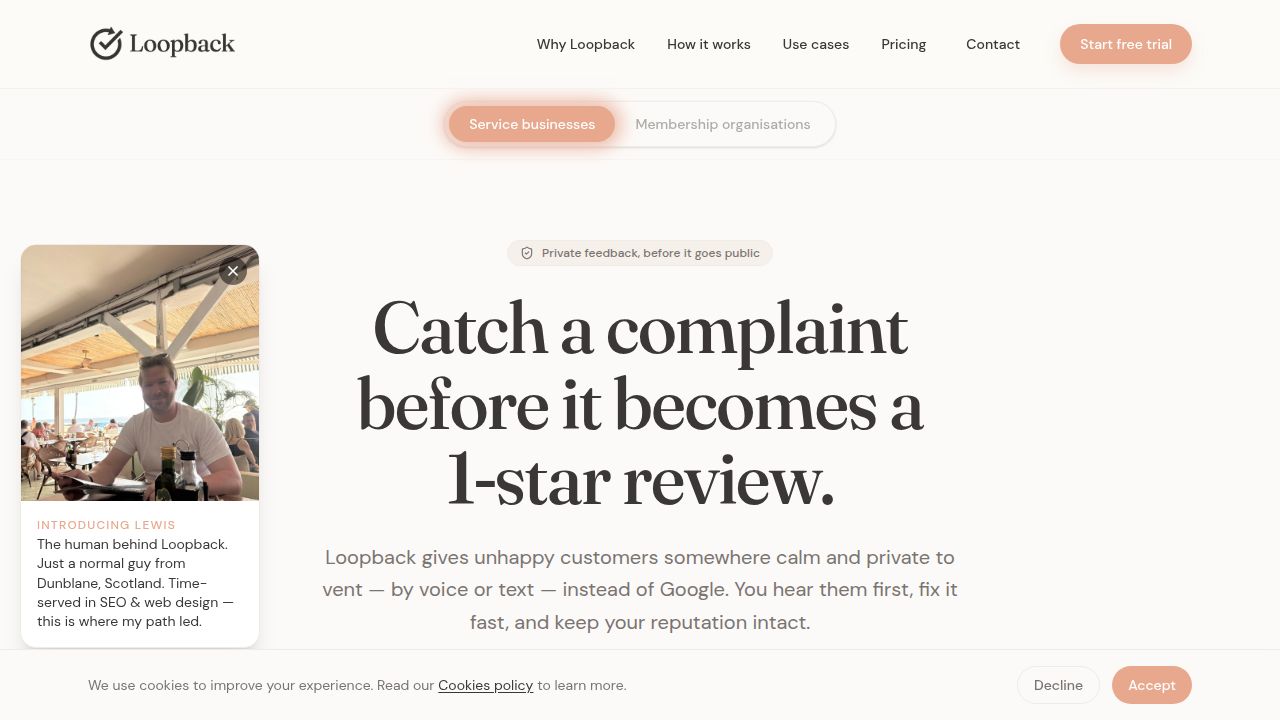
One approach that has worked well for teams I have worked with is using a platform like Loopback AI feedback management. The idea is straightforward: you feed customer messages in, and the system organizes them by topic, shows you the most common issues, and helps you track whether fixes actually reduce complaints over time. The AI does not replace your judgment, but it gives you a clearer picture of what is happening.
For example, a SaaS company I consulted with was struggling with a spike in support tickets after a major release. They had no way to tell whether the complaints were all about the same thing or a dozen different things. After setting up a feedback management system, they discovered that 70 percent of the negative messages were about one specific change to the navigation menu. Within a week, they rolled back that change, and the tickets dropped by half. Without the grouping and summarization, they would have spent weeks guessing.
Loopback AI feedback management also helps with tracking over time. You can see whether the number of complaints about a feature is going up or down after a fix. That might sound simple, but many teams never close the loop. They fix something and move on, never checking if the fix actually worked. A good system makes that step visible. It shows you the trend, so you know whether your effort paid off or whether you need to try something else.
What to look for in a tool
If you are evaluating options, here are a few things to consider beyond the obvious features:
- How well does it handle synonyms and related terms? A system that treats "login" and "sign in" as separate topics will give you a fragmented view.
- Can it distinguish between a bug report and a feature request? Those two types of feedback need different workflows, and confusing them leads to wasted effort.
- Does it let you add your own categories or business rules? Every product is different, and a rigid system will not fit your needs.
- How does it handle feedback from different channels? Messages from email, chat, and surveys often have different tones and formats. The system should normalize them without losing context.
- Is there a way to see the original messages? Summaries are great, but sometimes you need to read the actual text to understand the emotional tone or a specific detail.
None of these are dealbreakers on their own, but together they determine whether the tool will actually save you time or just add another layer of abstraction.
Closing the loop with your team
The final piece is making sure the insights from your feedback management system actually reach the people who can act on them. I have seen teams where the product manager has a dashboard full of data, but the engineers never see it. Or the support team collects feedback, but the designers do not know about it. A good system should make it easy to share summaries, trends, and priorities across the whole organization. That might mean exporting reports, integrating with Slack or Teams, or just having a weekly review where the top five issues are discussed.
One practice that works is to tie feedback directly to your roadmap. When you decide what to build next, you should be able to point to customer messages that support that decision. That does not mean every feature request gets built, but it does mean your choices are grounded in real user needs. AI feedback management gives you the evidence to make those decisions confidently, rather than relying on gut feel or the loudest voice in the room.
Ultimately, the goal is not to automate your way out of talking to customers. It is to make the conversations you do have more productive. When you know what the most common problems are, you can spend your limited time on the things that matter most. That is the real value of AI feedback management, and it is why more teams are adopting it every quarter.
❧